The interface is now plain language, and what that changes
For most of the computer age, software made you learn its language first: menus, settings, file names, the right order of buttons. Now it learns yours. You describe what you want in plain words, and it does the part you used to have to study.
Updated
What actually changed?
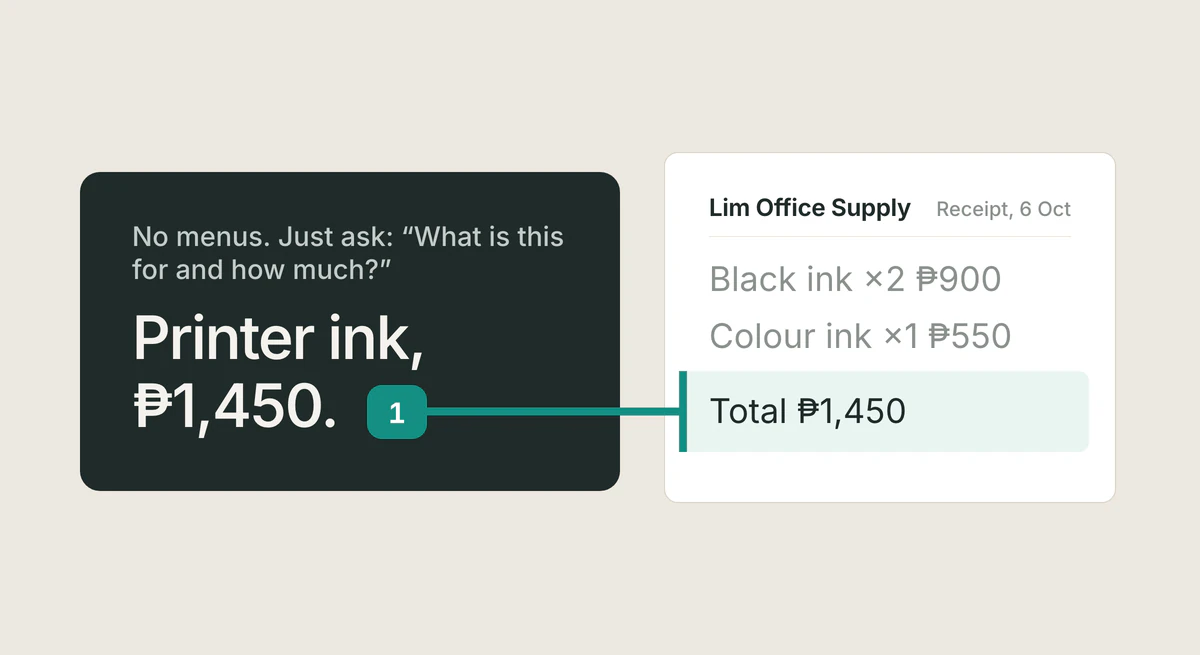
Point your phone camera at a crumpled receipt from last week. Type: what is this for and how much. In about a second, an answer comes back in plain words. No menu anywhere. Nothing to learn first.
Not long ago, that same question meant work. You would open one app to crop the photo, another to pull the text out of the image, then copy that into a spreadsheet and hunt through menus for the right formula. Every program had its own vocabulary, and the vocabulary changed with every update.
What changed is the part between you and the answer. Software makers call it the interface: the layer of buttons and menus you had to learn before you could do anything. That layer is now a conversation. The interface is plain language, and you have spoken it since you were a child.
Here is a number that shows how new this still is. In the Philippines, 14.9% of firms use AI tools, while 90.8% own computers and 81% have internet access, according to the Philippine Institute for Development Studies. Read those numbers together. The hardware was never the missing piece. What was missing was a way in that did not ask a busy owner to spend a spare afternoon learning menus. That way in exists now, and it is already on your phone.
Do I need to be good with computers first?
No. The evidence on this is unusually clear. In a 2023 study published in the journal Science, 453 professionals were given an AI writing assistant. They finished their writing tasks 40% faster, and the work was rated 18% higher in quality. The largest gains went to the people who had scored lowest before the study began.
A second study followed 5,179 customer support agents. With an AI assistant, issues resolved per hour rose 14% on average. For the newest and least experienced agents, it rose 34%. The most experienced saw almost no change. An agent two months into the job, using the tool, matched an agent with six months of experience without it.
Both studies point the same way: this tool gives the most to the person with the least training. That is rare. Most business tools work the opposite way, rewarding the people who already know the system.
The reason is simple. The skill this new interface asks for is one you already have. You have spent years explaining things to customers, suppliers, and family in ordinary words. That is the entire skill. If you can tell a person what you need, you can tell the assistant.
What can I ask about my own records?
Start with what you already have. A photo of a receipt: what is this for and how much. A page from your notebook where you list who owes: who on this page still owes me, and how much altogether. A screenshot of a chat thread with a supplier: when did I promise delivery, and what did I agree to. A folder of old delivery slips: which of these are from March.
Your notebook deserves its own word here. It works. It has carried your business this far, and nothing about it needs replacing. Paper has exactly one limit: it cannot answer you. A photo of the same page can. You keep writing the way you write, and the photograph does the searching.
One honest warning. These tools misread things sometimes. A smudged 8 becomes a 3, a torn corner hides an item, and the answer comes back confident and wrong. Researchers at Harvard Business School and the Boston Consulting Group saw this clearly in a study of 758 consultants. On tasks inside the tool's strengths, the group using it completed 12.2% more tasks and produced work rated 40% higher by blind evaluators. On one task placed deliberately outside its strengths, the group using it did worse than the group without it. The researchers called this the jagged frontier: strong in one spot, weak in the next.
The way through is not suspicion. It is one look. Read the answer beside the photo before you act on it. You know your store, your prices, and your customers, and the tool does not. Ten seconds of your judgment is worth more than any setting.
What do I ask when my mind goes blank?
Here is the honest limit of everything above. Plain language removed the old problem, which was how do I do this. It introduced a new one: what do I ask. An empty box, waiting for your words, can quiet a person faster than any menu ever did. Researchers call it the blank page problem, and it is real.
It happens because menus, for all their faults, told you what was possible. Each button was a suggestion. A blank box offers freedom instead, and freedom is harder to start with. The first question is the hardest one. So make the first one small.
The practical way through is the same move this whole chapter teaches: ask the question in the exact words you would say to a person. If a friend handed you that receipt, you would not compose a clever prompt. You would say: what is this for and how much. Type exactly that. The words you already own are the right words. There is no secret phrasing, and there is no wrong first question.
After the first question, the second one arrives on its own. The answer mentions something you forgot to ask, and you follow it. That is how a conversation works, and the interface is now a conversation. You are not being tested. You are talking to a tool that waits patiently and never tires of being asked again.
How do I try this in the next ten minutes?
Step 1: Open your camera roll and find one photo of a receipt. Any receipt will do. If none are photographed yet, take a photo of one paper receipt now. That takes ten seconds.
Step 2: Before asking anything, write your question down, on paper or in your notes, in the exact words you would say to a friend across the counter. For example: what is this for and how much. Writing it first turns the blank page into a sentence you already own. This is the whole trick.
Step 3: Open the assistant already on your phone, show it the photo the way you would show it to a person, and ask your question word for word.
Step 4: Read the answer next to the receipt. If the amount and the item are right, you have done it. If something is off, ask again in the same plain words: look at the total again, or what is the store name at the top. Then you are finished.
That is ten minutes, no new app, nothing to install or pay for. The skill you just practiced is the only one this chapter teaches: ask, in the words you would use with a person. Every question you ask after this is the same move, applied to one photo at a time. The part you used to have to learn is now the part you get to skip.
FAQ
- Do I have to type in perfect English?
- Use the same words you would say to a person across your counter. If that is Taglish, that is exactly right. These tools are built for how people really talk, not for perfect grammar.
- Is it safe to send photos of my records?
- The photo goes to the service that runs the assistant, so send only what you would be comfortable showing a stranger. Crop or cover anything private, like an account number. You decide what leaves your notebook.
- What if the answer is wrong?
- It will be, sometimes. Check every answer against the photo before you act on it, the way you would double check a new helper's count. If it misreads something, ask again in plain words and point at the part it missed.
- Do I need a new phone or a paid app?
- No. The assistant is already on the phone you own, and this chapter's drill uses only your camera roll. Start there, and add nothing until a real question demands it.
- Does this replace my notebook?
- No, and it does not need to. Your notebook keeps working exactly as it always has, and the assistant adds the one thing paper cannot do: answering when you ask. Keep writing the way you write, and let the photo do the searching.
Sources
- Noy & Zhang, Experimental evidence on the productivity effects of generative artificial intelligence (Science, 2023)
- Brynjolfsson, Li & Raymond, Generative AI at Work (NBER Working Paper 31161)
- Dell'Acqua et al., Navigating the Jagged Technological Frontier (Harvard Business School / BCG)
- Philippine Institute for Development Studies, Readiness for AI Adoption of Philippine Business and Industry
Related guides
Is your business making money?
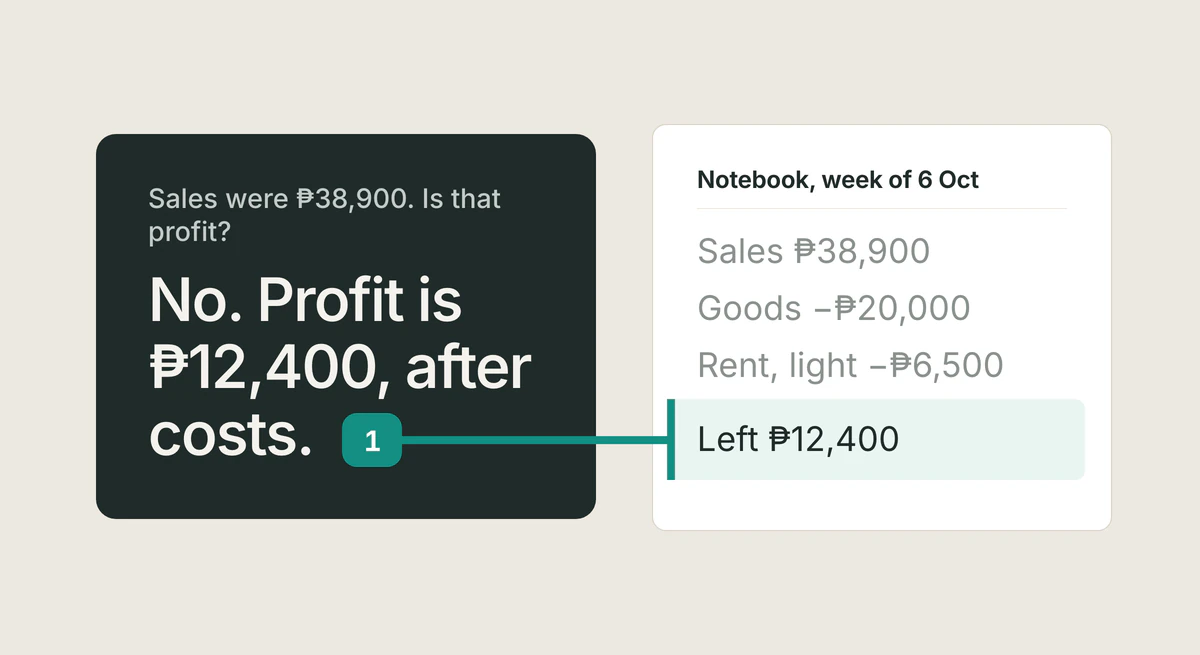
Sales are not profit, and money in the drawer is not either. One rule of thumb, worked through with real numbers, for owners who keep their records in a notebook.
Read the article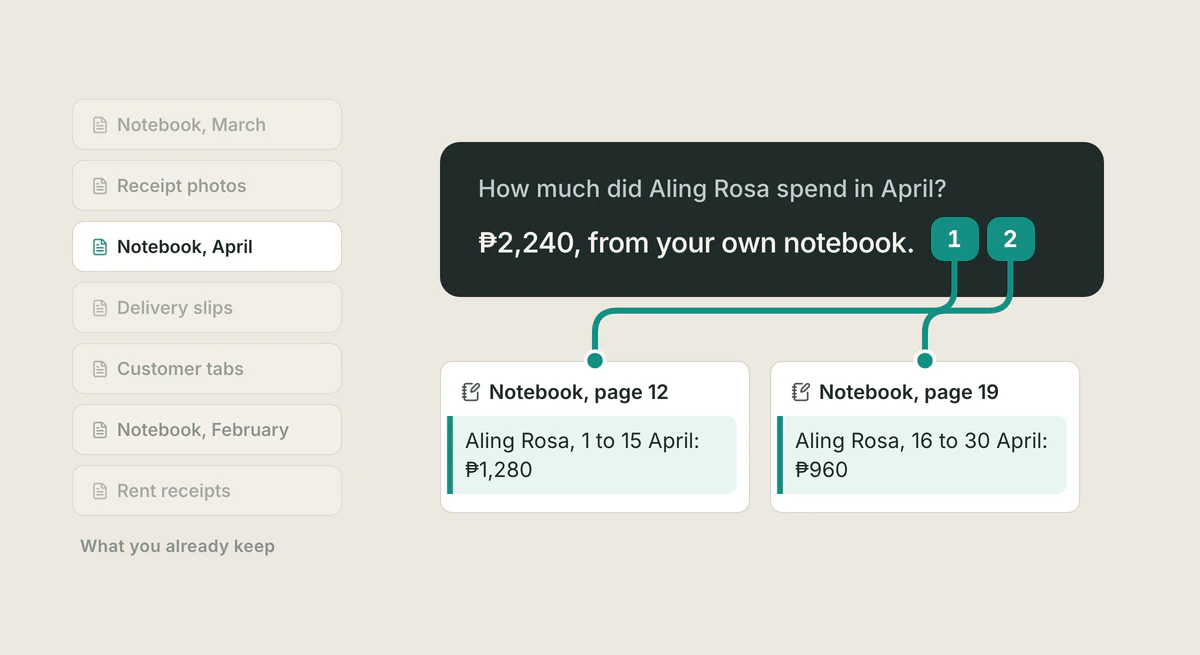
What digital transformation means
Digital transformation means turning what you already do into information you can look up, check, and decide from. No software needed to start.
Read the article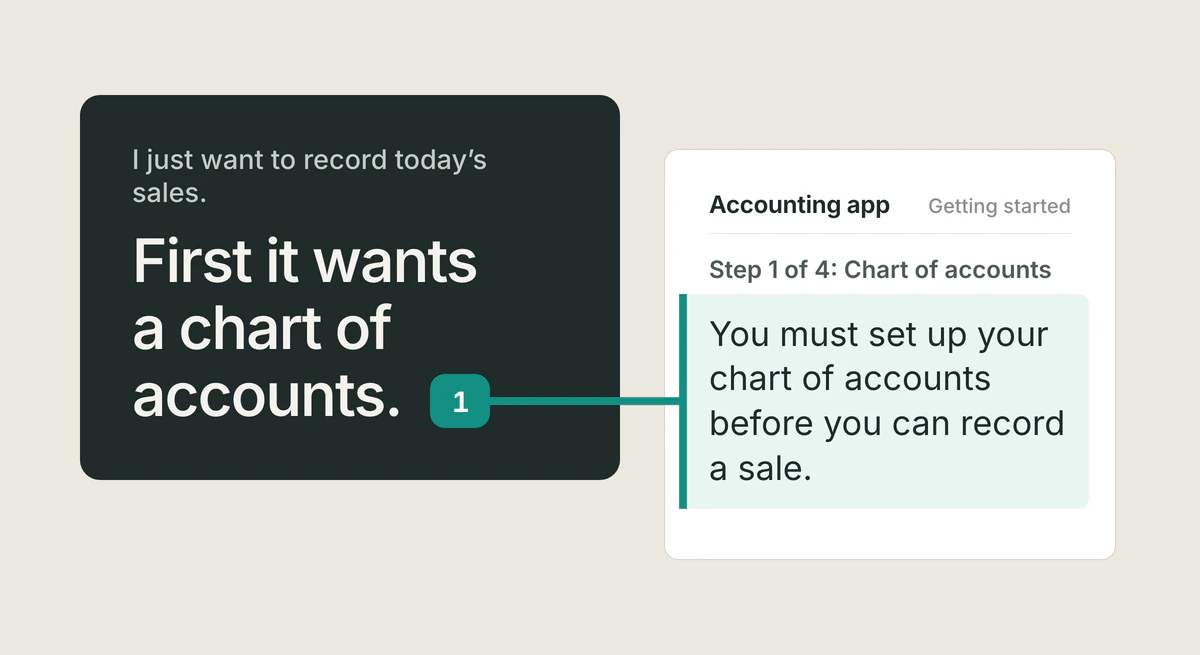
The software entry fee
For thirty years, business software charged an entry fee: learn its system first. The 70 percent failure number is not real. It was never you.
Read the article