Looking for a ChatPDF alternative? What to check before you switch
The best ChatPDF alternative depends on which wall you hit. ChatPDF's free tier allows 2 PDFs per day, 120 pages and 10 MB per file, and 50 questions per day, and every conversation starts from a single document. If you need bigger files, pick a large-context tool. If you need a permanent, searchable library where answers cite the exact passage across many documents at once, you need a different architecture, not a bigger cap.
Updated
What ChatPDF does well, and where it stops
ChatPDF earned its popularity by making one interaction effortless: upload a PDF, ask questions, get answers in plain language. For a student reading one paper or a quick look inside a manual, that is exactly the right tool, and switching would gain you little.
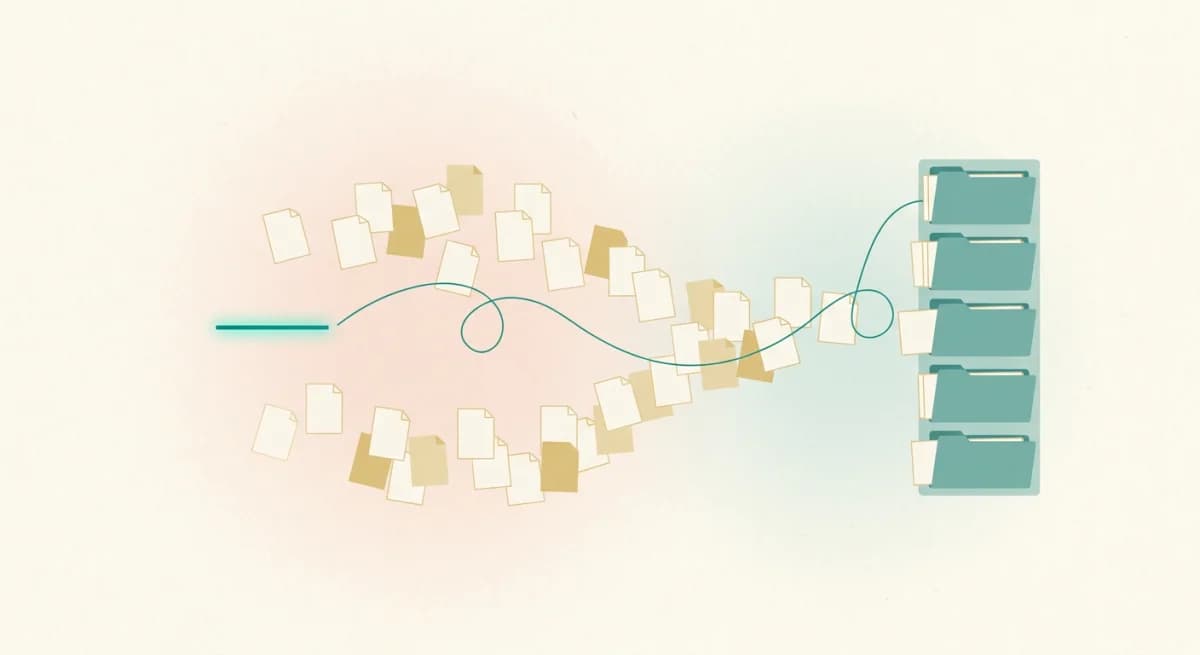
The limits are structural, not cosmetic. The free tier caps you at 2 PDFs per day, 120 pages and 10 MB per file, and 50 questions per day. More fundamentally, the unit of work is a single document conversation. Ask a question whose answer spans three contracts, or return next month expecting the tool to remember your files as a library, and you are outside what the product is shaped to do.
The checklist for choosing an alternative
Four questions separate the alternatives quickly.
1. Scope: does it answer across your whole library, or one file at a time?
2. Citations: does each claim link to the exact passage, so you can verify it in one click, or does it gesture at a page?
3. Persistence: do your documents form a permanent, organized, searchable collection, or do they evaporate per chat?
4. Privacy and sharing: can you control who sees what, and share a collection with your team without emailing files around?
Citation quality deserves the most weight. Columbia's Tow Center found even the best general AI assistant cited sources incorrectly 37% of the time. A tool that shows you the passage makes that failure visible; a tool that does not makes it your problem.
The quick comparison
NotebookLM: the strongest free step up. It removes the harsh per-file limits and grounds answers in your uploads. You trade away fine-grained citation checking, a real team library, and model choice.
Claude or ChatGPT with file uploads: best when one enormous document needs deep reasoning. Long context windows handle files that overwhelm ChatPDF, but uploads live inside a conversation, not a library, and citations are informal.
Humata and AskYourPDF: closest like-for-like replacements, with larger limits and browser conveniences. Still fundamentally per-document tools.
Tatsulok: built for the library problem. Upload everything once, organize collections, share with a team, and ask questions that draw on many documents at once, with every sentence of the answer linked to the exact passage it came from.
What changes when answers span your whole library
Single-document chat answers the question you brought to one file. A grounded library answers the questions that live between files: which of these five supplier contracts allows early termination, where do the 2024 and 2025 audit reports disagree, what did we already promise this client.
That is also where verification matters most, because cross-document answers are exactly the ones you cannot eyeball. In Tatsulok, every claim carries a citation that opens the source at the cited text, so a five-document answer is checked the same way a one-document answer is: click, read, confirm. And when your sources do not contain the answer, it says so rather than improvising one.
When to stay with ChatPDF
If your work is genuinely one PDF at a time, occasional, and low-stakes, ChatPDF remains a perfectly good tool, and no migration beats the tool you already use comfortably.
Switch when you notice one of three patterns: you re-upload the same documents repeatedly, you ask questions one file cannot answer alone, or you copy AI answers into work where a wrong claim has a cost. The first two are library problems; the third is a verification problem. Both are architecture, not pricing tiers.
FAQ
- What is the best ChatPDF alternative?
- For a free step up from ChatPDF's per-file limits, NotebookLM. For deep reasoning over one huge file, Claude or ChatGPT with uploads. For a permanent multi-document library with team sharing and answers that cite the exact passage, Tatsulok.
- What are ChatPDF's limits?
- The free tier allows 2 PDFs per day, with a 120-page and 10 MB cap per file, and 50 questions per day. The paid plan raises those numbers, but the tool remains one-document-per-conversation by design.
- Can any tool chat with multiple PDFs at once?
- Yes. NotebookLM handles multiple sources per notebook, and Tatsulok answers across an entire organized library, citing the exact passage in each document it drew from. Single-document tools like ChatPDF require merging files or asking one at a time.
- Are AI answers about my PDFs reliable?
- Only as reliable as your ability to check them. Columbia's Tow Center measured a 37% citation error rate for even the best general assistant. Prefer tools that link every claim to the exact source passage, so verification takes one click instead of a manual search.
- Is my data private in these tools?
- It varies by provider and plan; check whether uploads train models and who can access them. Tatsulok keeps your library private by default, with explicit sharing controls when you want a team or the public to see a collection.
Sources
Related guides

Best AI research assistants
We ranked the best AI research assistants of 2026 by one criterion: can you verify the answer? Citation audits, hallucination rates, and which tool fits which job.
Read the article
NotebookLM vs ChatGPT
NotebookLM grounds answers in your uploads; ChatGPT reasons more powerfully but improvises. Which to use when, what neither gives you, and how to decide in one question.
Read the article
Perplexity alternative
Perplexity is the best cited web-research assistant, yet its citations were still 37% incorrect in Columbia's audit, and it cannot read your own library. When to switch, and to what.
Read the article