Notion AI or Tatsulok: which one fits where your work lives?
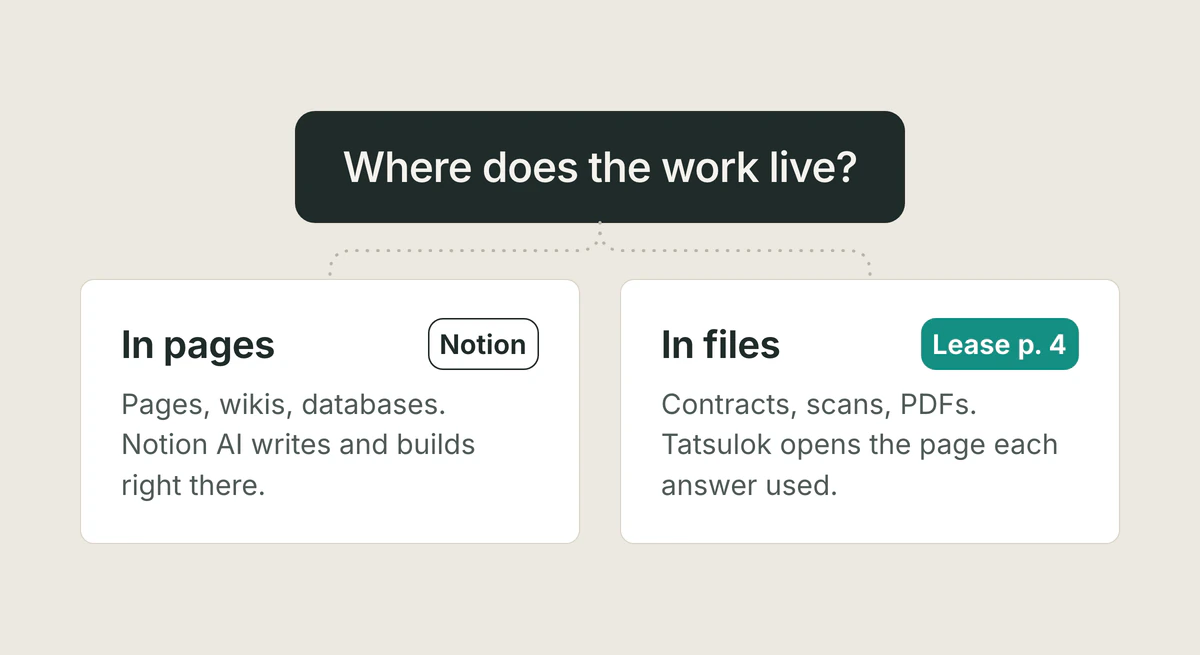
Pick Notion AI if your notes, docs, team wiki and databases already live in Notion: it writes and edits pages where they are, builds databases, takes meeting notes with no bot in the call, and searches Slack, Google Drive and GitHub from one box. Pick Tatsulok if the work rests on files, such as signed contracts, scanned receipts, PDFs and spreadsheets, and you need to see the page an answer came from before you put your name on the work: each part of an answer cites the file, and the citation opens it at that page. You do not have to choose only one. Everything about Notion below was checked on Notion's own pages on 11 November 2026.
Updated
What is Notion AI?
Notion AI is built into a Notion workspace, where your pages, wikis, tasks and databases already are. Its main part is Notion Agent, which works "using context from your workspace and connected apps to create and edit pages and databases", in Notion's words. Notion Agent "has the same permissions you do", so it cannot open a page you cannot. Around it sit Enterprise Search (one search box over your workspace, your connected apps and the web), AI Meeting Notes, Research mode (in Beta) for longer reports, and Custom Agents, which run on a trigger or a schedule for the whole team.
Notion rebuilt its agents and its AI credits on 19 October 2026 and moved existing customers to the new credits on 2 November, so many comparison pages written before then describe plans that have changed. This page describes them as Notion lists them on 11 November 2026.
Which Notion plans include Notion AI, and what does it cost?
Notion AI comes with the Business and Enterprise plans. Free ($0) and Plus ($10 a member a month billed yearly, or $12 monthly) get "a limited number of complimentary AI responses" so you can try it. Business is $20 a member a month billed yearly, or $24 monthly, and Enterprise is priced by Notion's sales team. Notion bills the plan for every member of the workspace.
On Business and Enterprise, each member gets 1,500 Standard credits a month, for work where Notion picks the model (its Auto setting), and 500 Select credits, for work where you pick the model or run your own Custom Agents. The two cannot be combined, and both reset monthly without rolling over. When one runs out, the features that use it pause until the reset, unless a workspace owner lets you keep going on Notion credits, which the owner buys for the workspace. Custom Agents are "Free to try, then $10 per 1,000 monthly Notion credits." AI Meeting Notes start using Standard credits on 1 December 2026, about 10 for a one-hour meeting by Notion's estimate. Notion expects that most people will not run out.
What can Notion AI do with your files?
Notion keeps work as pages and databases, and files attach to them: up to 5 MB each on Free, and up to 5 GB each on paid plans. In a chat you can also upload a file for Notion Agent. It reads PDF, CSV, Excel, Word, PowerPoint and ZIP files, can run calculations, and can hand back a spreadsheet, slide deck, PDF or document to download. Notion says it cannot answer from content in a non-PDF embed, such as a video transcript.
On Business and Enterprise, Notion AI Connectors bring in Slack, Google Drive, Gmail, Google Calendar, GitHub, Linear, Microsoft Teams, SharePoint and OneDrive, Outlook, and Jira (in Beta). A workspace owner who is also an admin of the other app sets each one up. The first sync can take up to 36 hours, and a connector can generally reach content from one year before the day it was set up. The personal Gmail connector is free on every plan.
Tatsulok starts from the files. You upload PDFs (scans too, read with OCR), Word, Excel and PowerPoint files, images, plain text, and audio or video recordings to transcribe, into one library that stays between sessions. Tatsulok connects Google Drive and OneDrive in Beta: you ask about the files there, or copy them into your library. See connect your Drive.
Does Notion AI show where an answer came from?
Yes. Notion says that when Enterprise Search answers from your workspace or a connected app, "it'll always cite its sources so you can go back to the source", and answers that use a connector come with citations to the sources used. On Business you can also mark a page as verified; the badge shows in search results and in AI citations, which helps a team trust its own wiki.
Tatsulok is built around the step after the answer. Each part of an answer about your files carries a citation. Open it and the file opens at the cited page, with the passage highlighted when Tatsulok finds the words on that page; when it cannot mark them, it says so in one line instead of guessing. On a 40-page lease or a scanned receipt, you see the line itself before you rely on it.
Can your team share Notion AI?
Yes, and this is where Notion is strongest. Notion AI works inside the teamspaces and permissions your team has already set up, and Business adds private teamspaces that only the people you add can see. Custom Agents automate repeated team work, such as answering questions in Slack, routing tasks and sharing project updates: one person builds an agent, and the whole team benefits. A shared agent runs on its builder's Select credits by default, and a workspace owner can fund it from Notion credits instead.
Tatsulok shares through its Teams plan: a shared library with roles, where one person uploads and organizes and the whole team can ask. Teams is $20 a seat a month, or $16 billed yearly, with 4,000 Tatsu credits per seat, shared, and 10 GB per seat. The Family plan gives five people a shared library and a private one each.
Is your work used to train the model?
Notion says: "By default, neither Notion nor our AI providers use your Customer Data to train any models." Its contracts forbid its AI providers from training on your data, and a workspace owner can choose to share data to improve Notion AI in Settings. On Free, Plus and Business, the AI provider "retains your data for 30 days or fewer, then deletes it". On Enterprise, most models keep nothing (zero data retention), and the few that do are off until a workspace owner turns them on.
Tatsulok never sends your workspace to training datasets, and the model providers that answer your chat requests commit to no training and to keeping none of your content after each request. Voice input, web search, document extraction and search reranking run under their own providers' terms, named on the Trust & Security page.
Where does Notion AI win?
In a lot of places, and it is worth saying plainly.
• It works where your team already writes. Notion Agent drafts and edits pages, builds databases with views, properties and relations, and translates pages. On Business, AI Meeting Notes transcribe a meeting with no bot joining the call. • You can choose the model. Auto picks one for each task, or you pick OpenAI's GPT, Anthropic's Claude or Google's Gemini on your Select credits, and you can connect a ChatGPT Plus, Pro or Go plan to your personal Notion Agent. In Tatsulok, Tatsu picks the model and you cannot choose one. • It acts in your other tools. Once connected, Notion Agent can post in Slack as you, search, draft and send Gmail (it asks you to confirm before sending), and schedule meetings on your calendar. • Custom Agents do recurring team work on a trigger or a schedule, around the clock. • Enterprise Search (in Beta) answers from Slack, Google Drive, GitHub and more in one box. • Notion runs on the web, on Mac and Windows, and on phones, and you can download pages to use offline.
If your team's knowledge already lives in Notion pages and databases, Notion AI is the natural choice, and it gets more useful the more of your work is in Notion.
When is Tatsulok the better fit?
When the work rests on your own files and your name goes on the result: a signed contract, a lease, receipts, a report a client will read.
• Your files stay files, in a library that grows, sorted into folders and projects, with no cap on projects on any plan. Its limit is storage (1 GB on Free, 5 GB on Pro); Tatsu searches the library for what each question needs. • Each part of an answer opens its source at the cited page, so checking takes a glance. • Free is useful on its own: 200 Tatsu credits a month and no card. A short answer is usually 1 to 3 credits. If you run out, credit packs start at $5 for 1,000, and a Free account can buy them. Pro is $15 a month, or $12 a month billed yearly, for one person, with 3,000 credits and 5 GB. See pricing. • You can export your data on every plan. Tatsulok runs in your browser, with apps on Google Play and the App Store, and add-ins for Word, Excel and PowerPoint in Beta.
What Tatsulok does not do: you cannot pick the model, it does not connect to Notion, Slack or GitHub, it does not edit Notion pages or databases, and it does not take notes in a live meeting. Its Drive and Gmail connections are still in Beta. If you are also weighing Claude, see how Tatsulok compares with Claude Projects.
FAQ
- What is the best Notion AI alternative?
- It depends on where the work lives. If it rests on files such as contracts, PDFs and receipts, and you need to see the page an answer came from, Tatsulok fits: each part of an answer opens the file at the cited page. If your team's notes, wiki and databases live in Notion, Notion AI is hard to beat there, and you can keep both.
- Is Notion AI free?
- Not in full. Free and Plus get a limited number of complimentary AI responses to try it. Notion AI comes with Business, at $20 a member a month billed yearly or $24 monthly, and with Enterprise (checked 11 November 2026).
- How many AI credits does Notion Business include?
- Each member gets 1,500 Standard credits a month, for work where Notion picks the model, and 500 Select credits, for work where you pick the model or run your own Custom Agents. Both reset monthly and do not roll over; a workspace owner can buy Notion credits for more.
- Does Notion AI cite its sources?
- Yes. Notion says Enterprise Search always cites its sources when it answers from your workspace or a connected app, and answers that use a connector come with citations to the sources used. In Tatsulok, each part of an answer about your files opens the file at the cited page.
- Does Notion use my data to train AI models?
- Not by default. Notion says neither it nor its AI providers use your data to train models; separately, a workspace owner can choose to share data to improve Notion AI. On Free, Plus and Business, the AI provider keeps your data for 30 days or fewer; Enterprise gets zero data retention with most models.
Sources
- Notion: Pricing plans (checked 11 November 2026)
- Notion: Notion AI
- Notion Help Center: What is Notion AI?
- Notion Help Center: Get started with Notion Agent
- Notion Help Center: Standard, Select and Notion credits
- Notion Help Center: Notion credits and pricing for Custom Agents
- Notion blog: Agents, rebuilt to do more for less (19 October 2026)
- Notion Help Center: Get the best AI model for every task with Auto
- Notion Help Center: Enterprise Search
- Notion Help Center: Notion AI Connectors
- Notion Help Center: AI Meeting Notes
- Notion Help Center: Notion AI security and privacy practices
- Tatsulok: Pricing (checked 11 November 2026)
Related guides
Claude Projects alternative
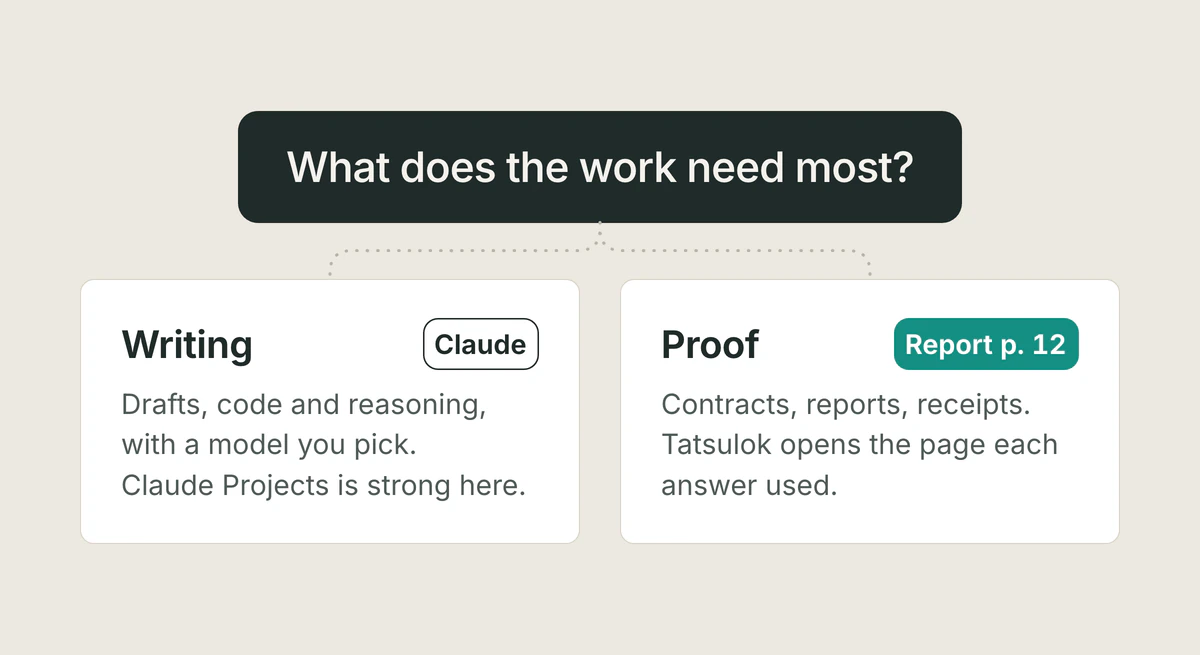
Claude Projects or Tatsulok? What each does with your files, the limits, prices and training settings (checked 9 November 2026 on Anthropic's own pages), where Claude wins, and who should pick which.
Read the article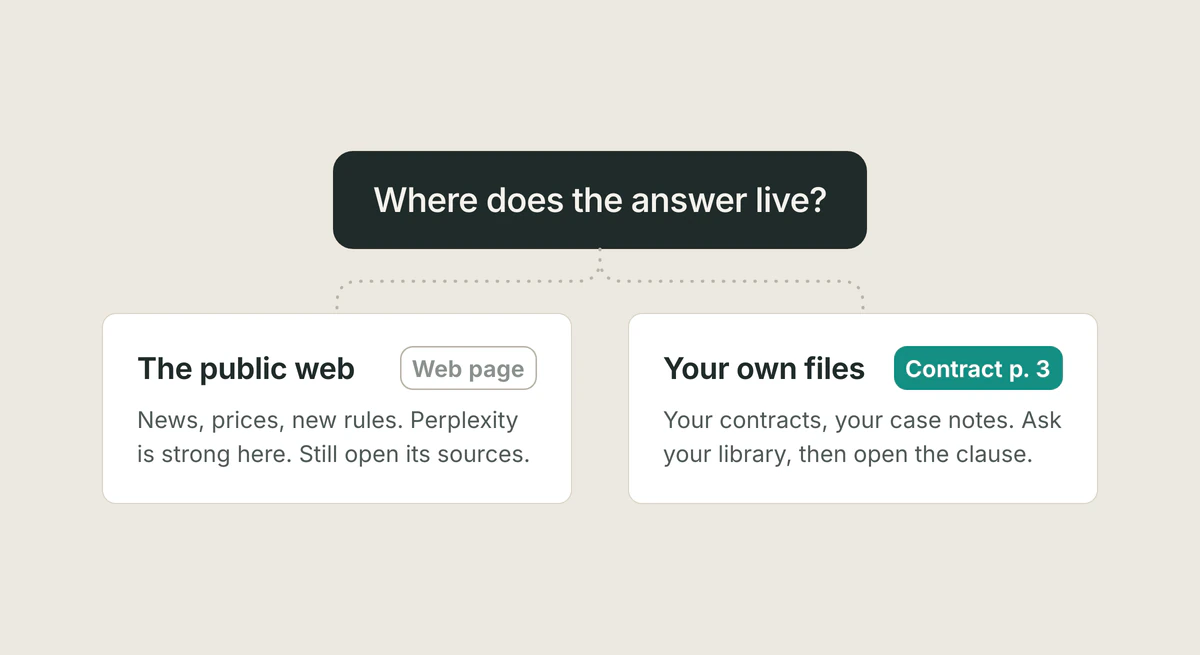
Perplexity alternative
Perplexity is the best cited web-research assistant, yet its citations were still 37% incorrect in Columbia's audit, and it is built for the web, with your files as context. When to switch, and to what.
Read the article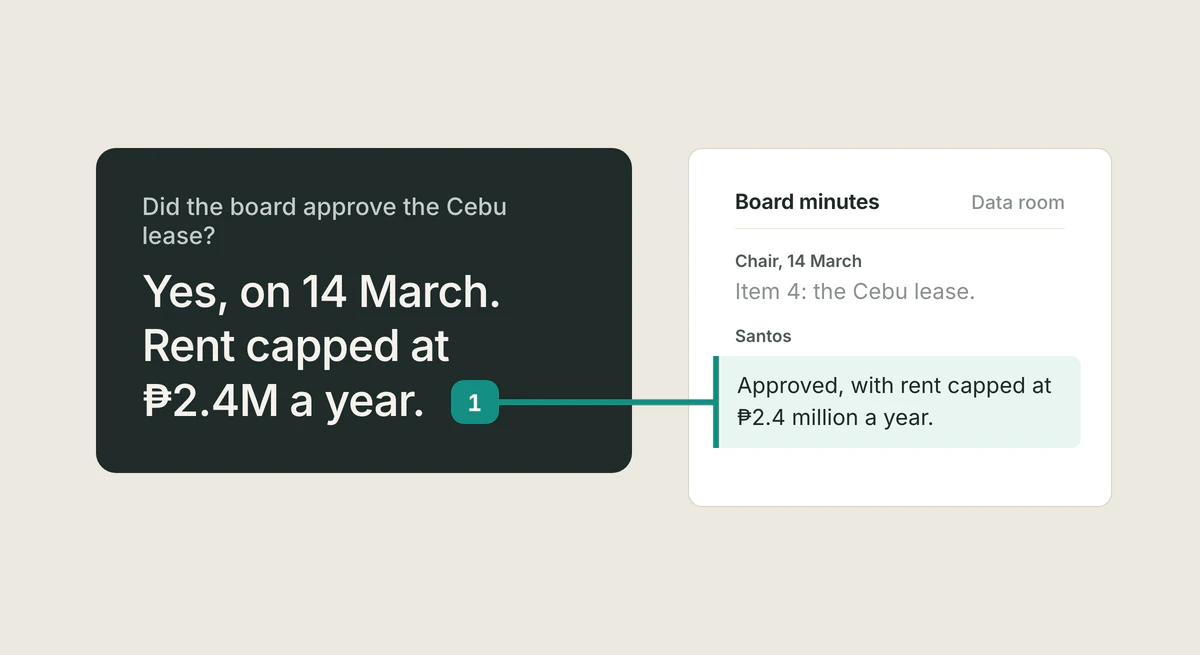
Hebbia alternative
Looking for a Hebbia alternative? Tatsulok gives cited, verifiable answers from your documents with team sharing, without enterprise per-seat pricing.
Read the article