Apps has a home screen
Apps now opens to a home screen. It has its own place in the sidebar, and it shows a grid of tiles, one for each app you have. This post covers what shipped with it, from the launcher on 2026-09-02 to the remove and delete actions on 2026-09-05.
Updated
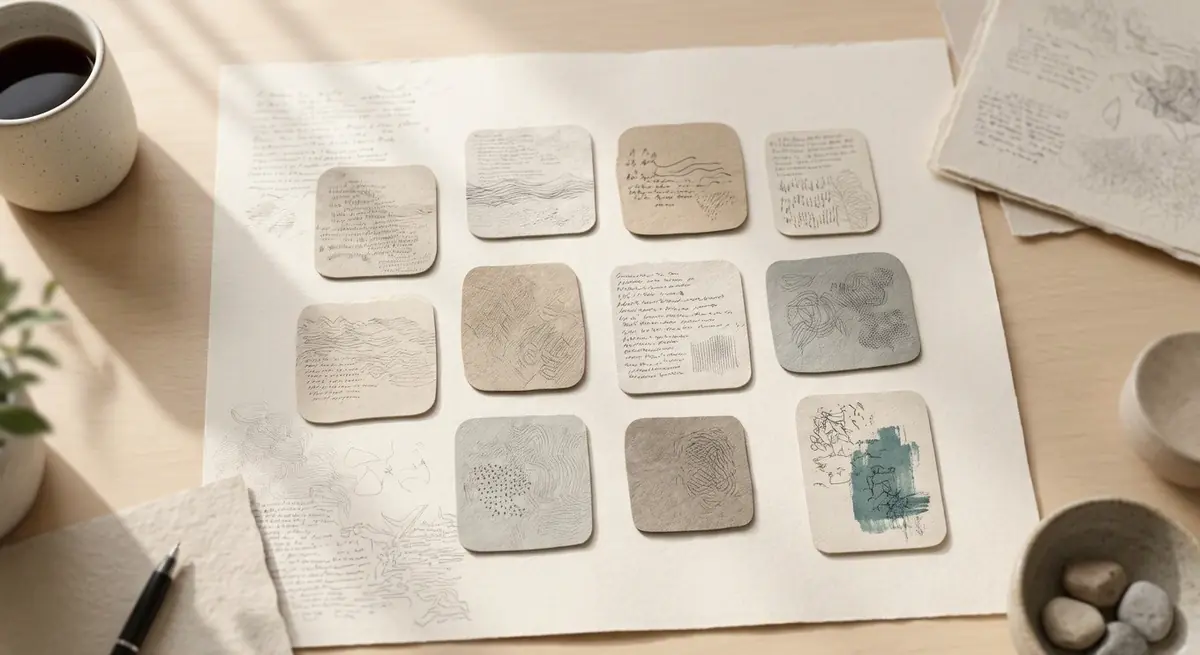
What the Apps home screen shows
Apps has its own entry in the sidebar. It used to sit inside Workspace. Opening it shows a grid of rounded tiles, one for each app, with the app's name under its icon. Select a tile to open the app.
The launcher shipped in PR #11312, merged 2026-09-02. The phone app uses the same tile grid. The route depends on a feature flag, so an account without the Apps feature is sent back to chat instead of seeing an empty screen.
Each app is one tile. Select a tile to open the app.
How the launcher sorts and finds apps
Once you have eight apps, a Recent row appears: apps you used in the last 14 days, up to four of them. Recent follows the last write to an app's data, which happens when you use the app, not when Tatsu built it. Once you have eight apps, a search field appears above the grid. It matches an app's name, its file name and its description. Recent and search shipped in PR #11409, merged 2026-09-03.
An app without an authored icon gets a colour and a gradient derived from its name. An authored icon can use two tones, with a token accent on each part. That shipped in PR #11535, merged 2026-09-05.
The Open app card after Tatsu builds an app
When a chat turn builds an app, the answer shows an Open app card. The card has the app's icon, its name and one action, which opens the app. It is worked out from the tool calls in that turn, not from the wording of the answer, so it appears even when the answer does not mention the app by name. It shipped in PR #11476, merged 2026-09-04, on the web and on the phone.
Remove an app from Apps or send it to Trash
On the phone, press and hold a tile. On the web, right-click it. Either opens a menu with two actions. Remove from Apps takes the app off the launcher and keeps its files in your library. Delete moves the app and its data to Trash, where you can restore them for a while. Delete asks you to confirm before it runs. These actions shipped in PR #11532, merged 2026-09-05.
On the web, the keyboard opens the same menu with Shift+F10 or the context menu key.
FAQ
- Where is Apps in the sidebar?
- Apps has its own sidebar entry. It is no longer inside Workspace. The entry appears for accounts where the Apps feature is turned on.
- Why do I not see a Recent row?
- Recent appears once you have eight or more apps and at least one of them was used in the last 14 days. It shows up to four apps. With fewer than eight apps, the launcher is one plain grid.
- Does removing an app delete my files?
- No. Remove from Apps takes the app off the launcher and keeps its files in your library. Delete is a separate action. It moves the app and its data to Trash, where you can restore them for a while.
- Can I open an app straight from a chat answer?
- Yes, when the turn built the app. The answer then shows an Open app card. The launcher is the other way in.
- Is the launcher the same on the phone?
- The phone uses the same tile grid and the same rules for Recent and search. Press and hold a tile to open the menu with remove and delete.
Sources
Related guides
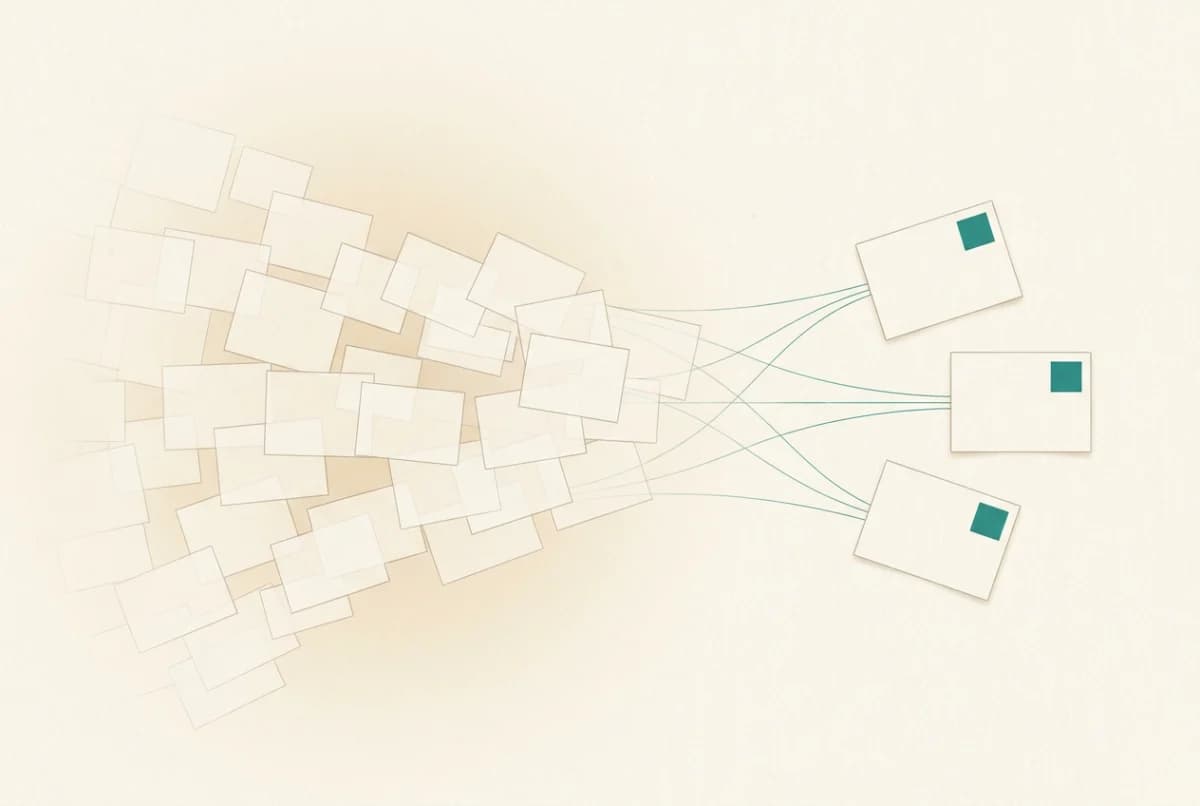
Context rot
Context rot is the accuracy drop language models suffer as input grows, long before the window fills. At 32,000 tokens, 11 of 13 models scored under half.
Read the article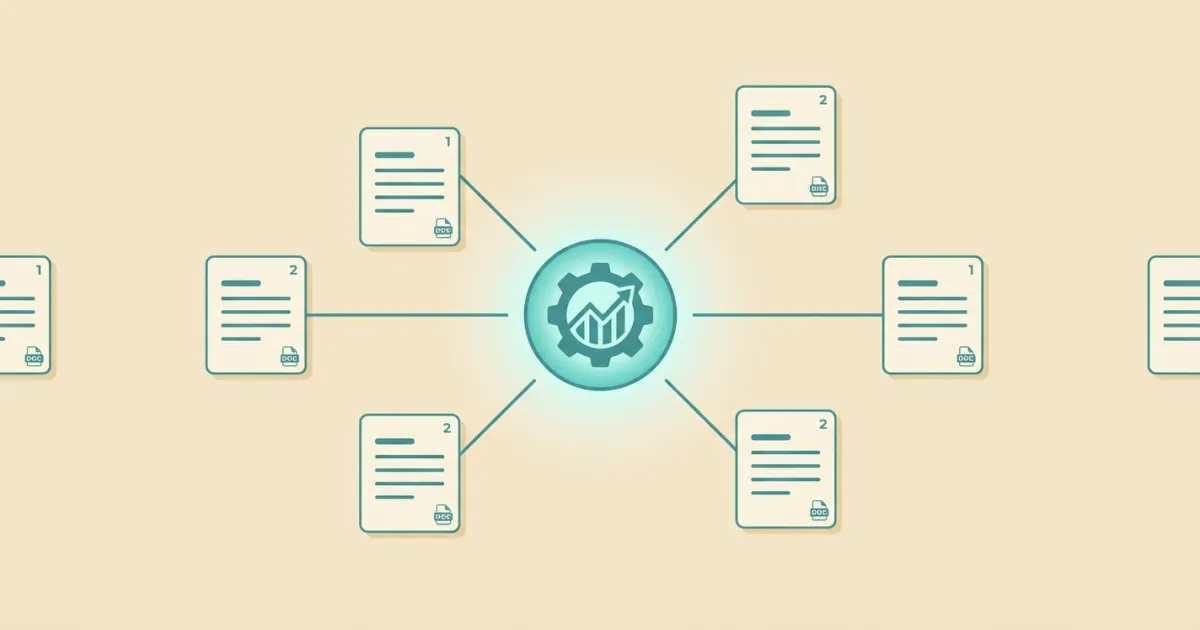
AI knowledge base
An AI knowledge base turns your documents into plain-language, cited answers using semantic search and RAG. Learn how it works and what makes one trustworthy.
Read the article
AI context window
An AI context window is the maximum amount of text, measured in tokens, a model can consider at once. Here is what it means for working with long documents.
Read the article